

Welcome to Asseteka!
Spine animations for your game have never been so quick and easy to access as with Asseteka!
On our website, you can easily purchase and download animated characters and objects for your games or projects.
How it works?
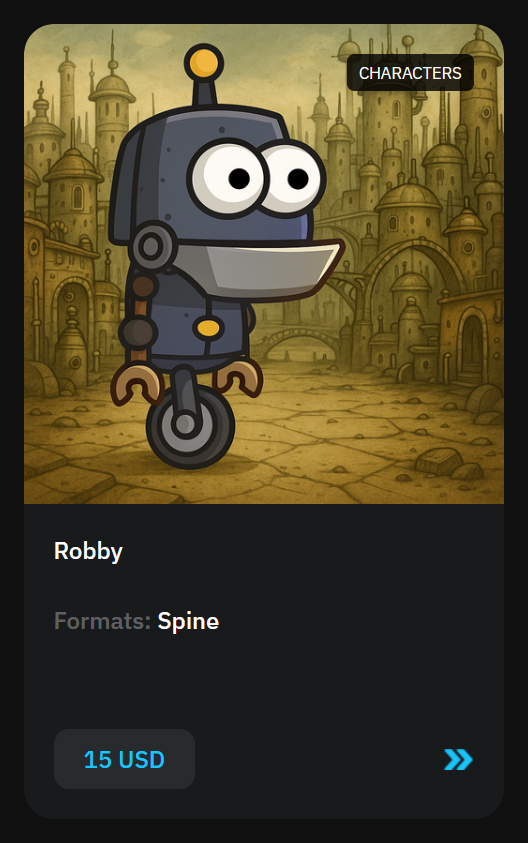
In the product catalog, you can see product cards where the price for the full Spine project is shown under each item.
But! You can also choose individual animations and purchase them — even just one! And later, you can buy more whenever you need!
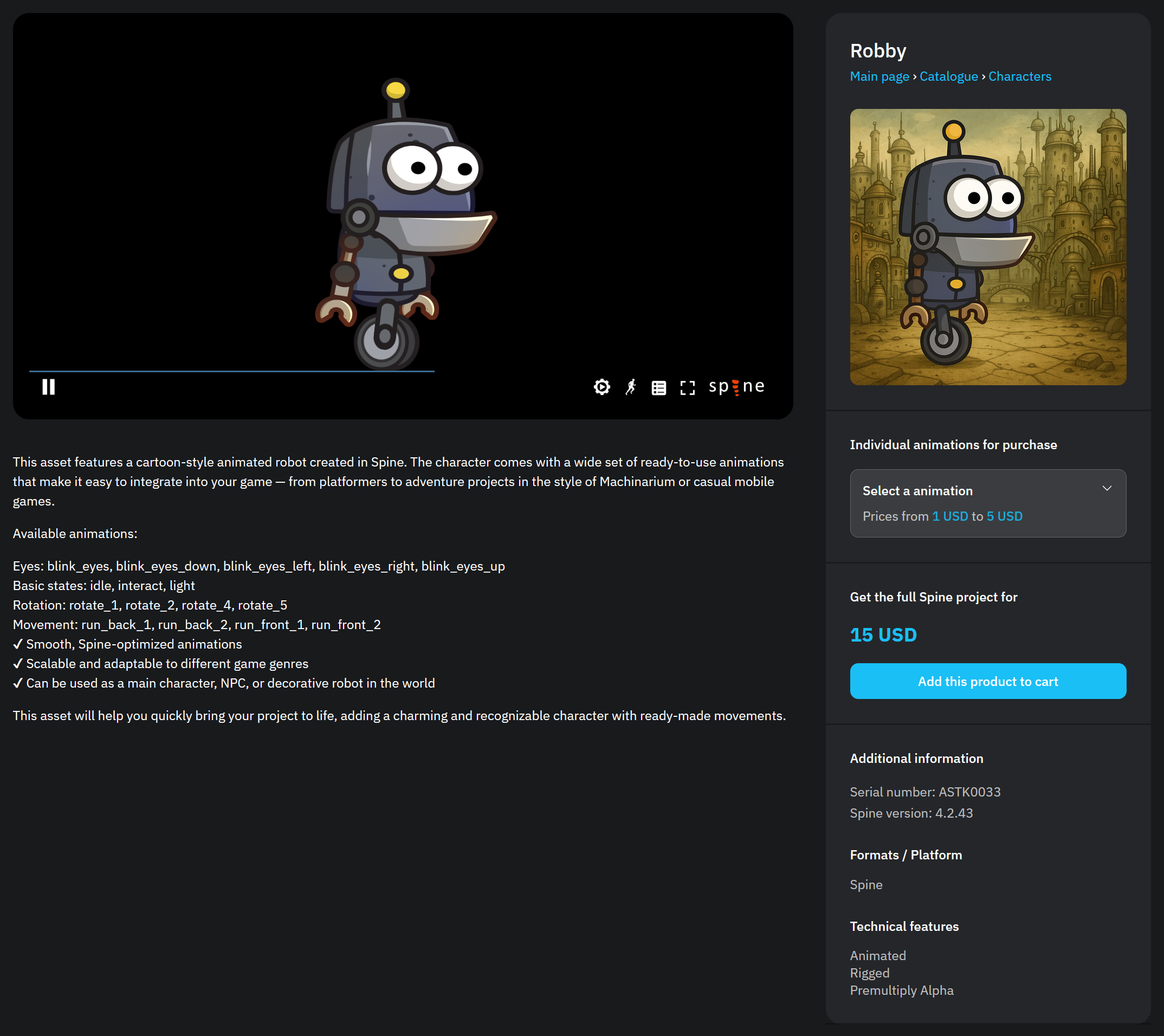
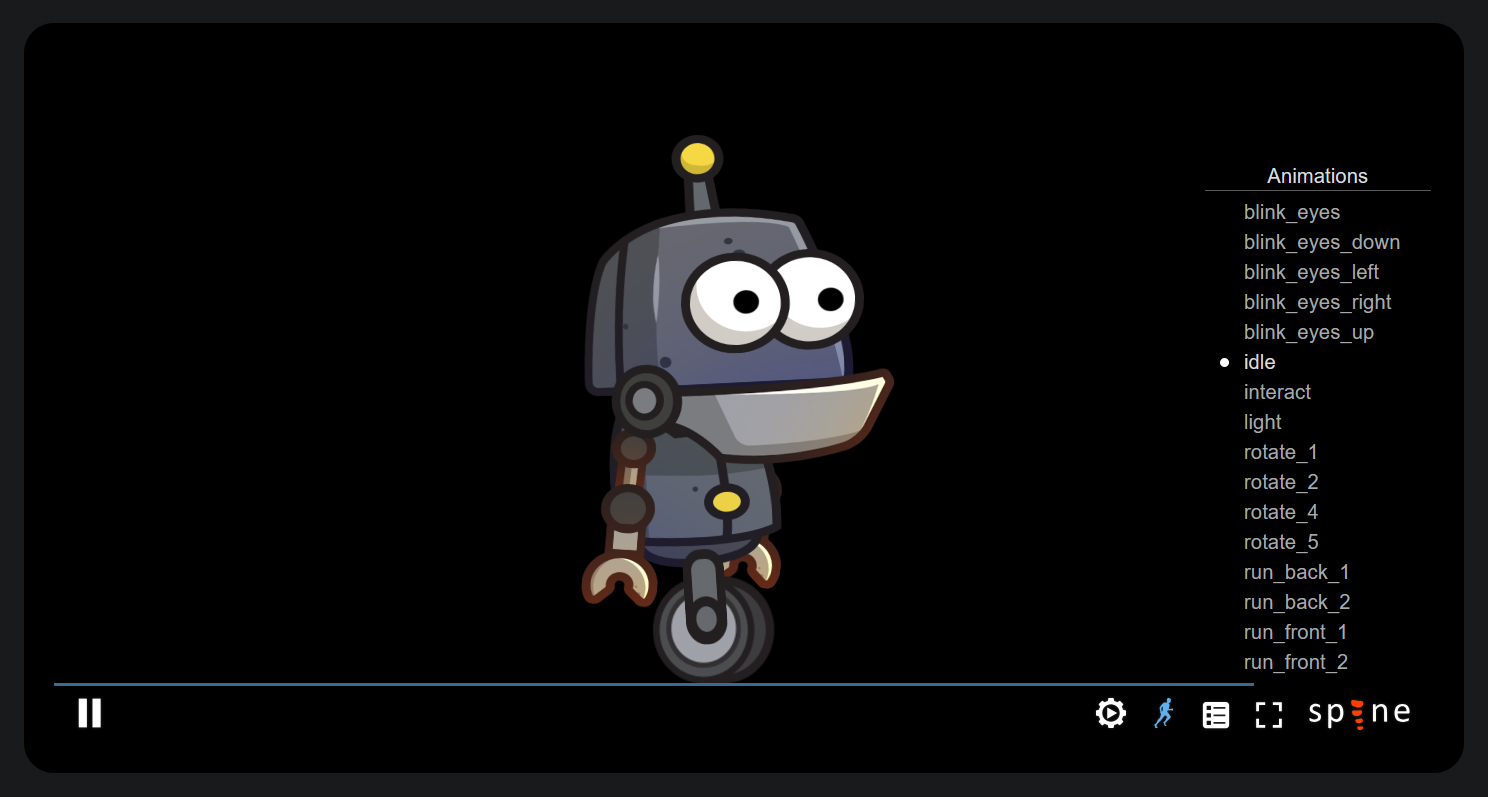
Here you can view the animations in a convenient Spine Web Player, along with a detailed description of the animations.
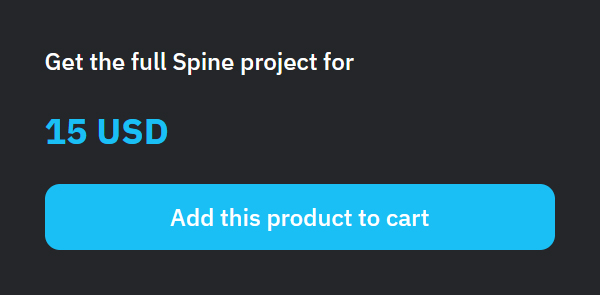
Next, you can purchase either the full Spine project
or if you click on this block
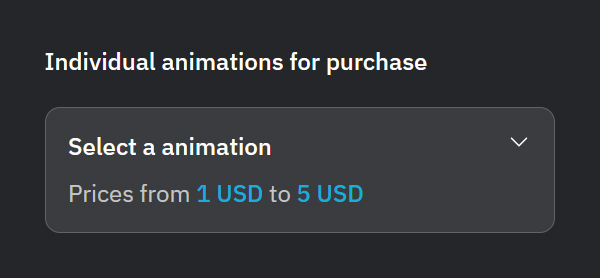
it will expand and you will see a list of individual animations available for purchase!
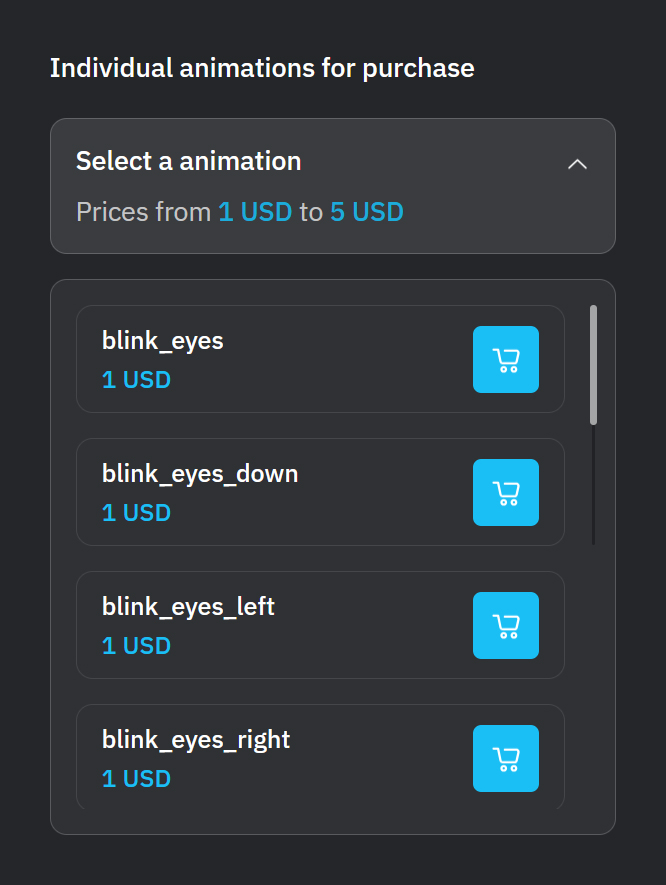
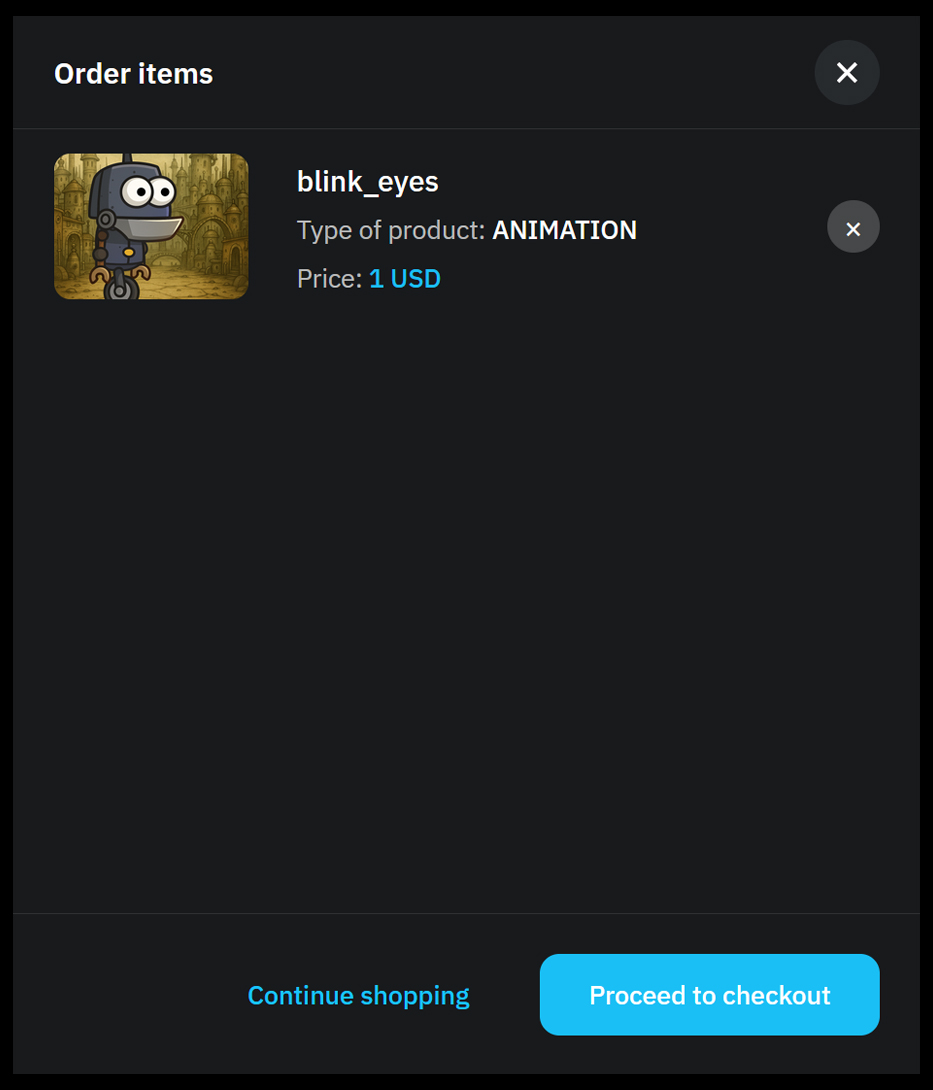
After selecting one or more animations, you can add more by clicking “Continue Shopping,” or go directly to payment by clicking “Proceed to Checkout.”
To pay for the selected animations, click the green “Pay For The Order” button.
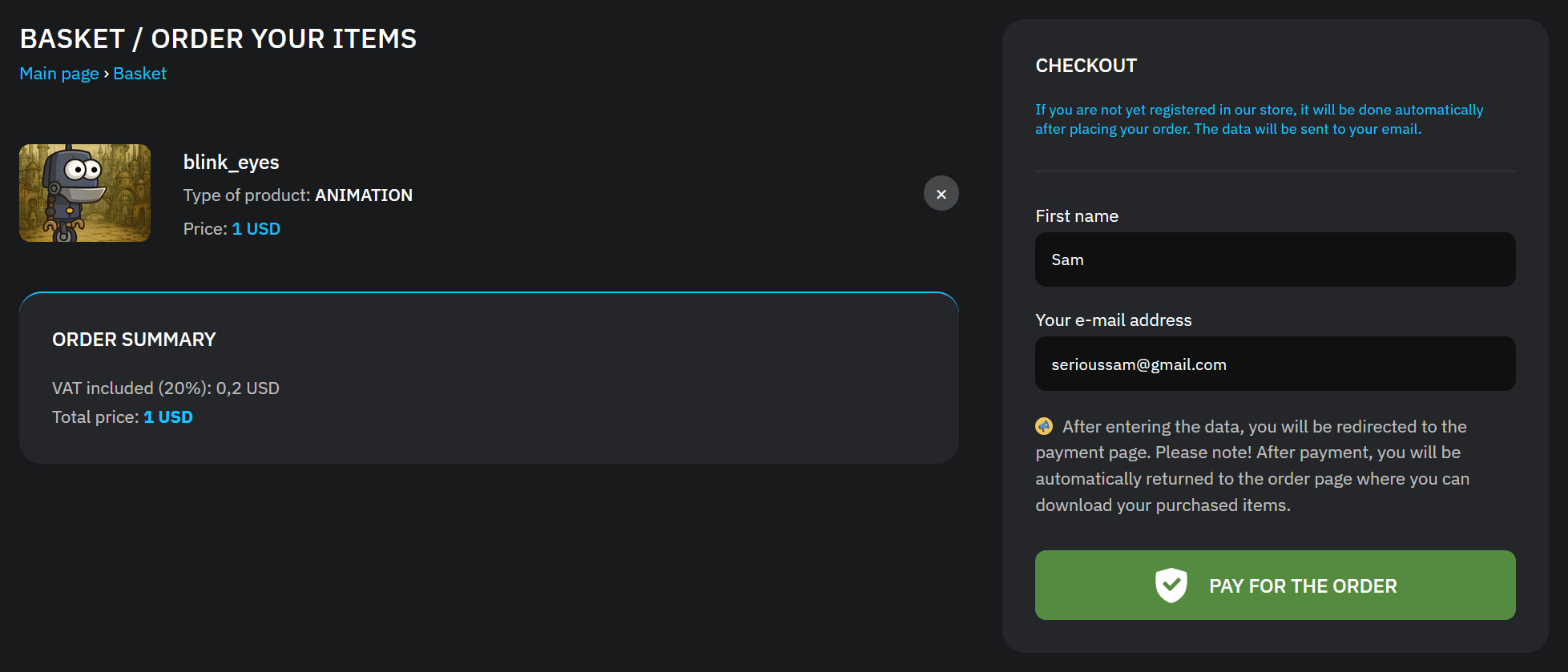
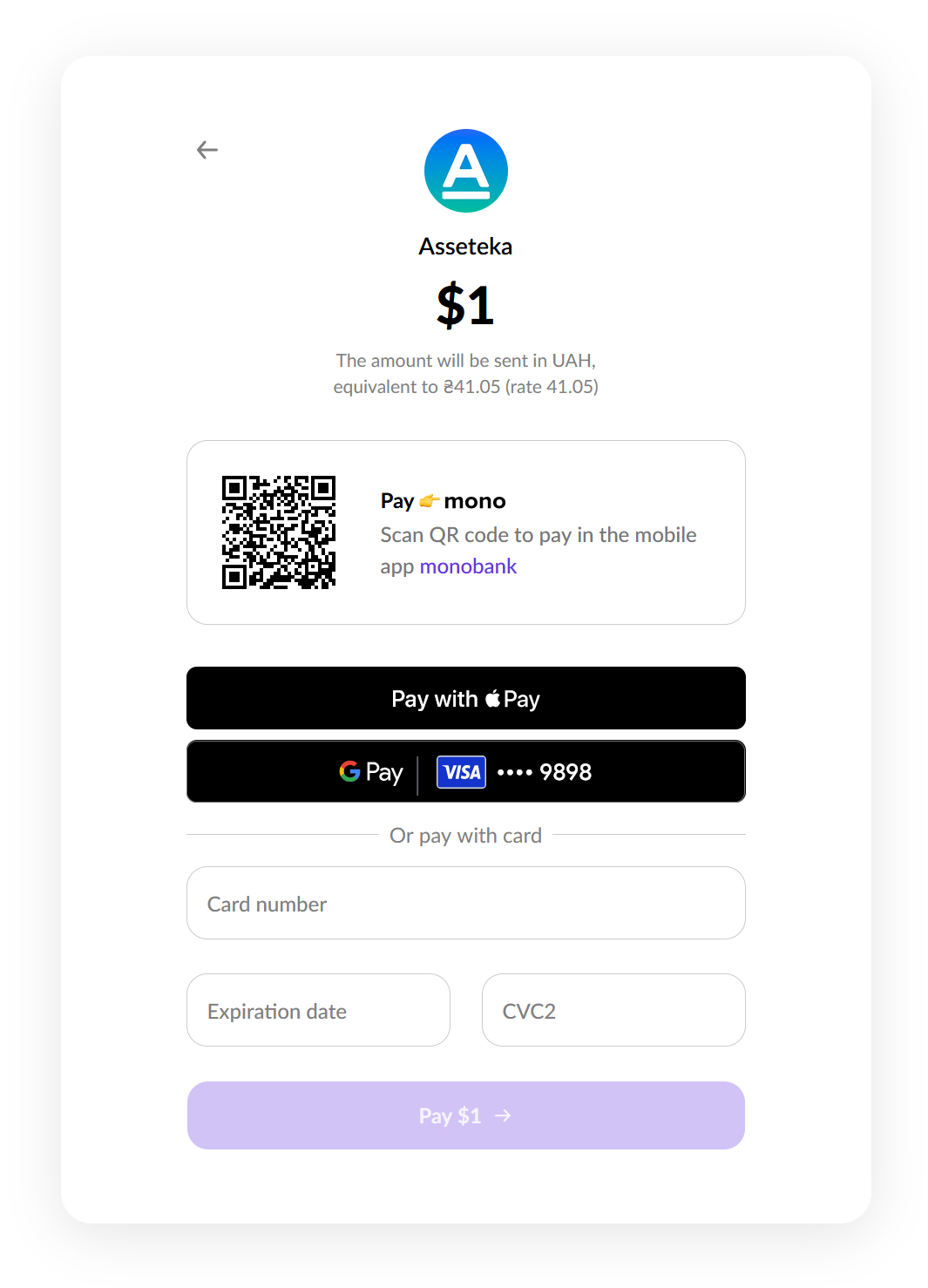
You can make a payment with your Apple Pay, GPay, or by directly entering your bank card number.
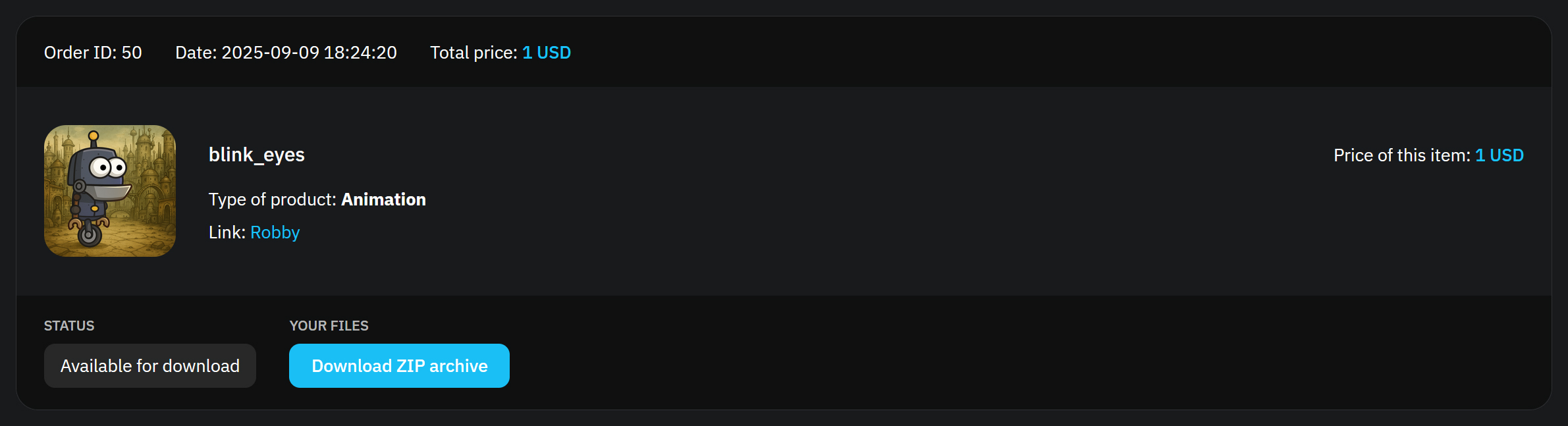
After payment, you can download the archive with the purchased animation in your personal profile.
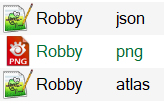
In the archive, you will find files already prepared for import into Unity or any other game engine: json, atlas, and png.
If you need the complete set, you can purchase the entire Spine project archive. This archive includes all animations of the character/object, convenient for editing and integration into your project.
Tips:
Separate animations are great for quick tests or specific use cases.
The full Spine project is more beneficial if you plan to actively work with the character and modify its animations.
If you have any questions, feel free to contact our support team — we’re always here to help!